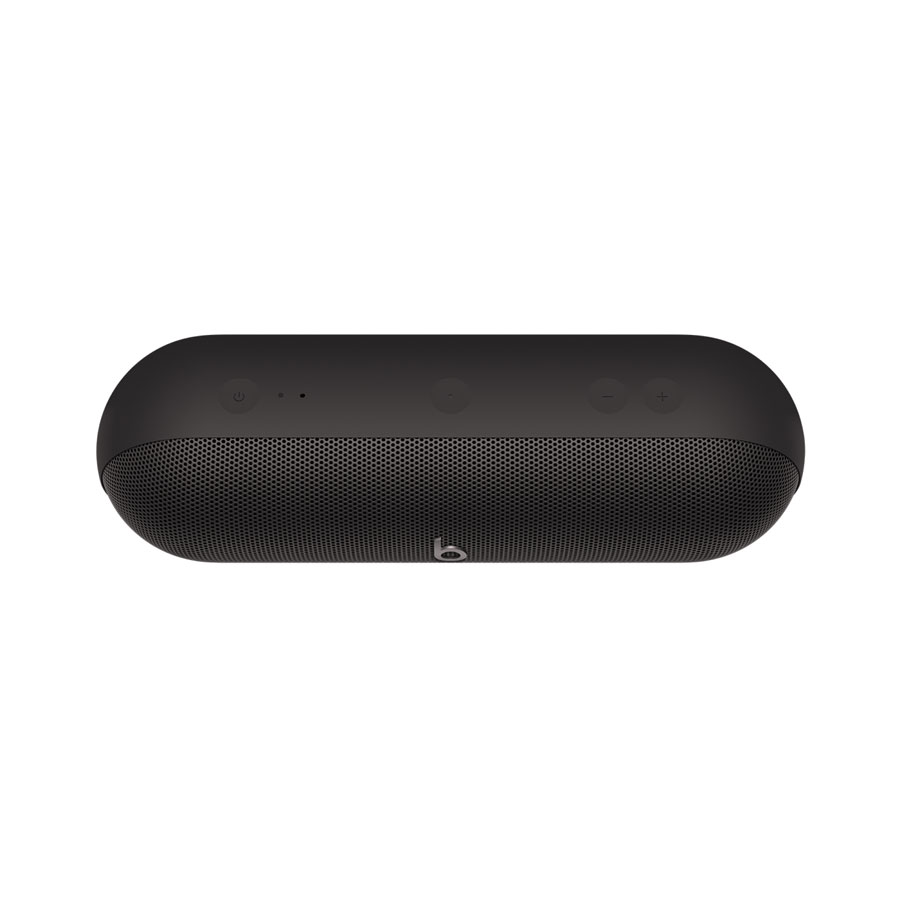
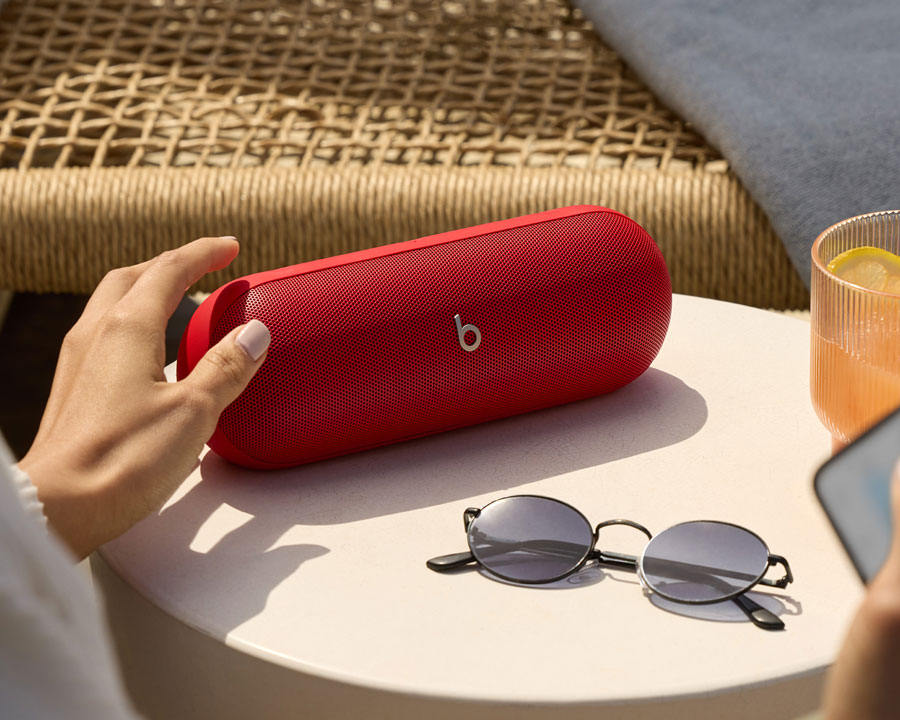
Sync two Beats Pill speakers in Amplify Mode by pressing and holding both Center Buttons on both speakers. A blue light on each speaker will indicate that they are synced.
To toggle from Amplify Mode to Stereo Mode, simultaneously press and hold one of the two synced speaker's Center and Plus Buttons.
Stereo Mode turns two synced speakers into dedicated left and right outputs for a surround sound feel. The speaker that was used to toggle into Stereo mode will default to the left feedback speaker.
Sync two Beats Pill speakers in Amplify Mode by pressing and holding both Center Buttons on both speakers. A blue light on each speaker will indicate that they are synced.
To toggle from Amplify Mode to Stereo Mode, simultaneously press and hold one of the two synced speaker's Center and Plus Buttons.
Stereo Mode turns two synced speakers into dedicated left and right outputs for a surround sound feel. The speaker that was used to toggle into Stereo mode will default to the left feedback speaker.
Sync two Beats Pill speakers in Amplify Mode by pressing and holding both Center Buttons on both speakers. A blue light on each speaker will indicate that they are synced.
To toggle from Amplify Mode to Stereo Mode, simultaneously press and hold one of the two synced speaker's Center and Plus Buttons.
Stereo Mode turns two synced speakers into dedicated left and right outputs for a surround sound feel. The speaker that was used to toggle into Stereo mode will default to the left feedback speaker.