Beats 360 Support
Beats 360 Support
Beats 360
Support
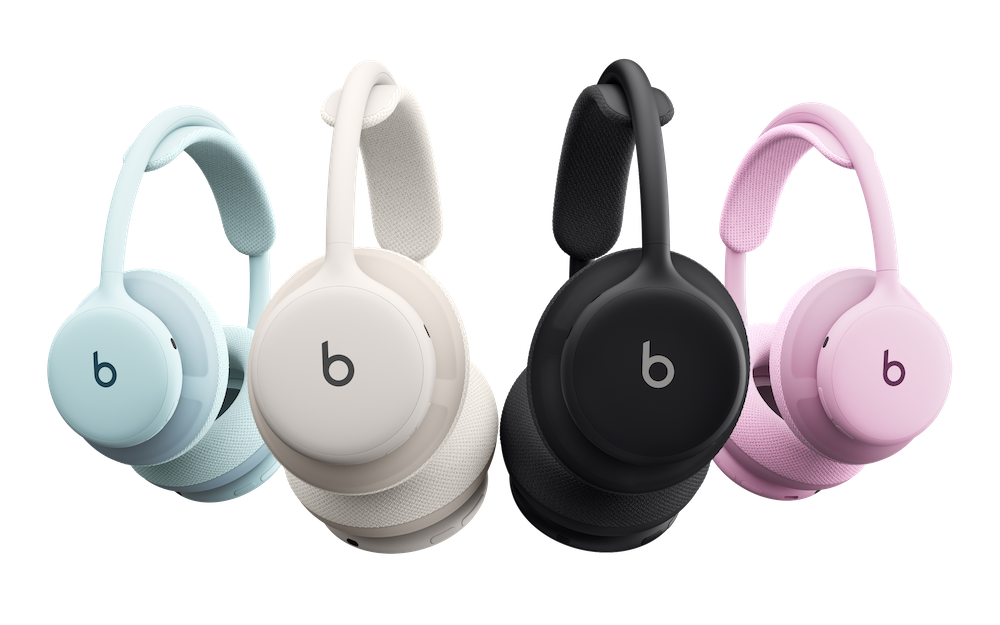
Set Up Your Headphone
Set Up Your Earbuds
Set Up Your Earbuds
On-device Controls
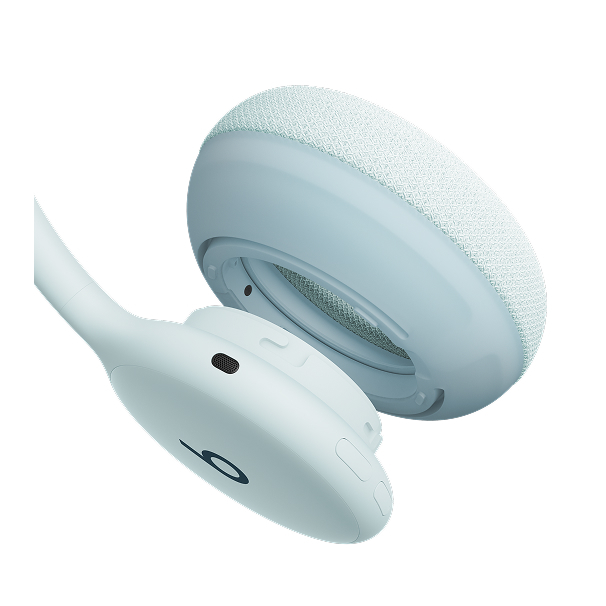
Beats 360 has four on-device controls on the back of the earcups that you can easily control with your thumbs.
On-device Controls
Beats 360 has four on-device controls on the back of the earcups that you can easily control with your thumbs.
On-device Controls
Beats 360 has four on-device controls on the back of the earcups that you can easily control with your thumbs.
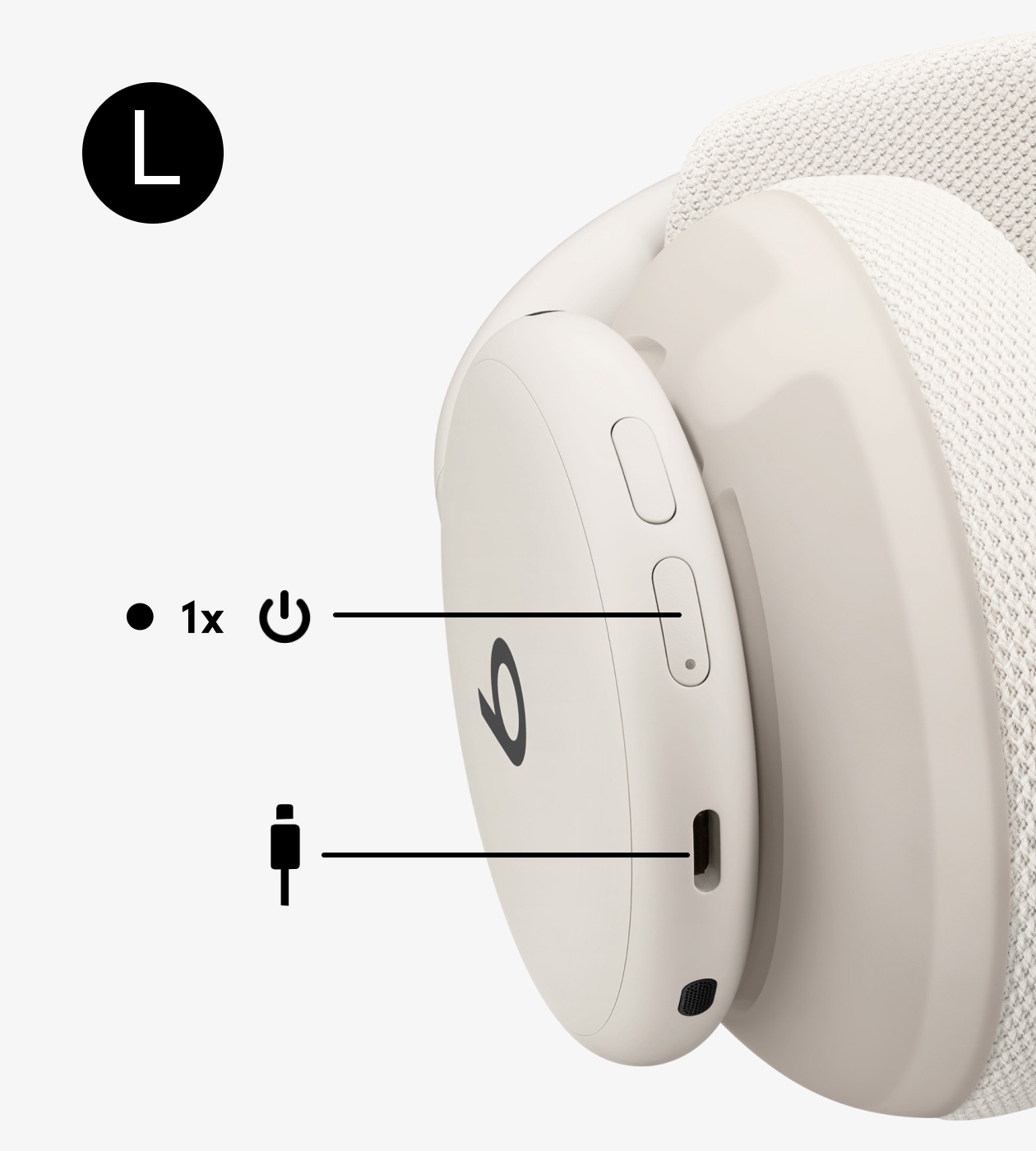
Power Button
Power on/off, pair with a device, and more.
Charge using the USB-C port at the base of the left earcup.
Power Button
Power on/off, pair with a device, and more.
Charge using the USB-C port at the base of the left earcup.
Power Button
Power on/off, pair with a device, and more.
Charge using the USB-C port at the base of the left earcup.

Listening Mode Button
Cycle between ANC and Transparency. Add Off (Adaptive EQ) to the cycle in device settings.
Listening Mode Button
Cycle between ANC and Transparency. Add Off (Adaptive EQ) to the cycle in device settings.
Listening Mode Button
Cycle between ANC and Transparency. Add Off (Adaptive EQ) to the cycle in device settings.
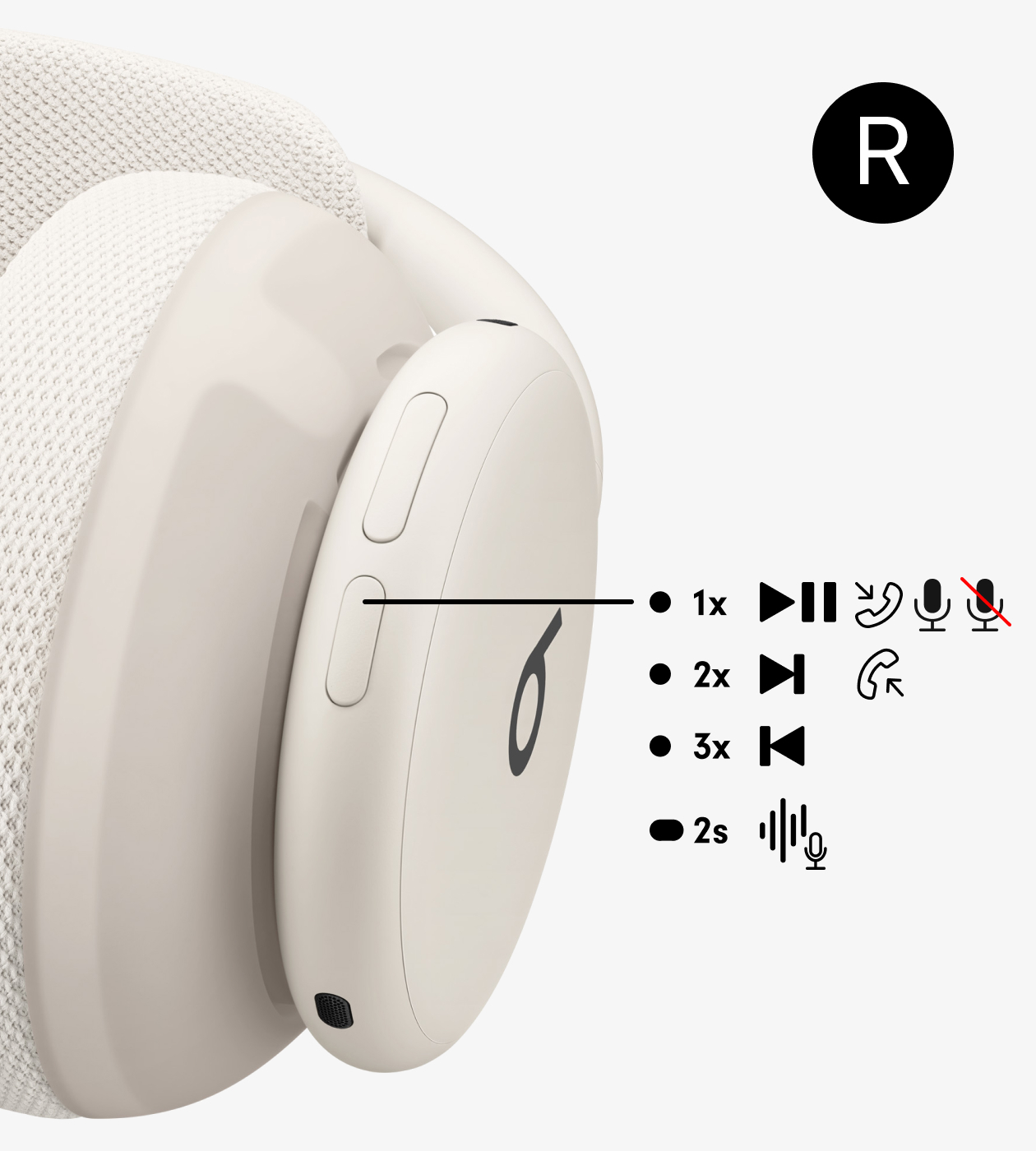
Play/Pause Button
Manage media playback, calls, and activate Siri or voice assistant.
Play/Pause Button
Manage media playback, calls, and activate Siri or voice assistant.
Play/Pause Button
Manage media playback, calls, and activate Siri or voice assistant.
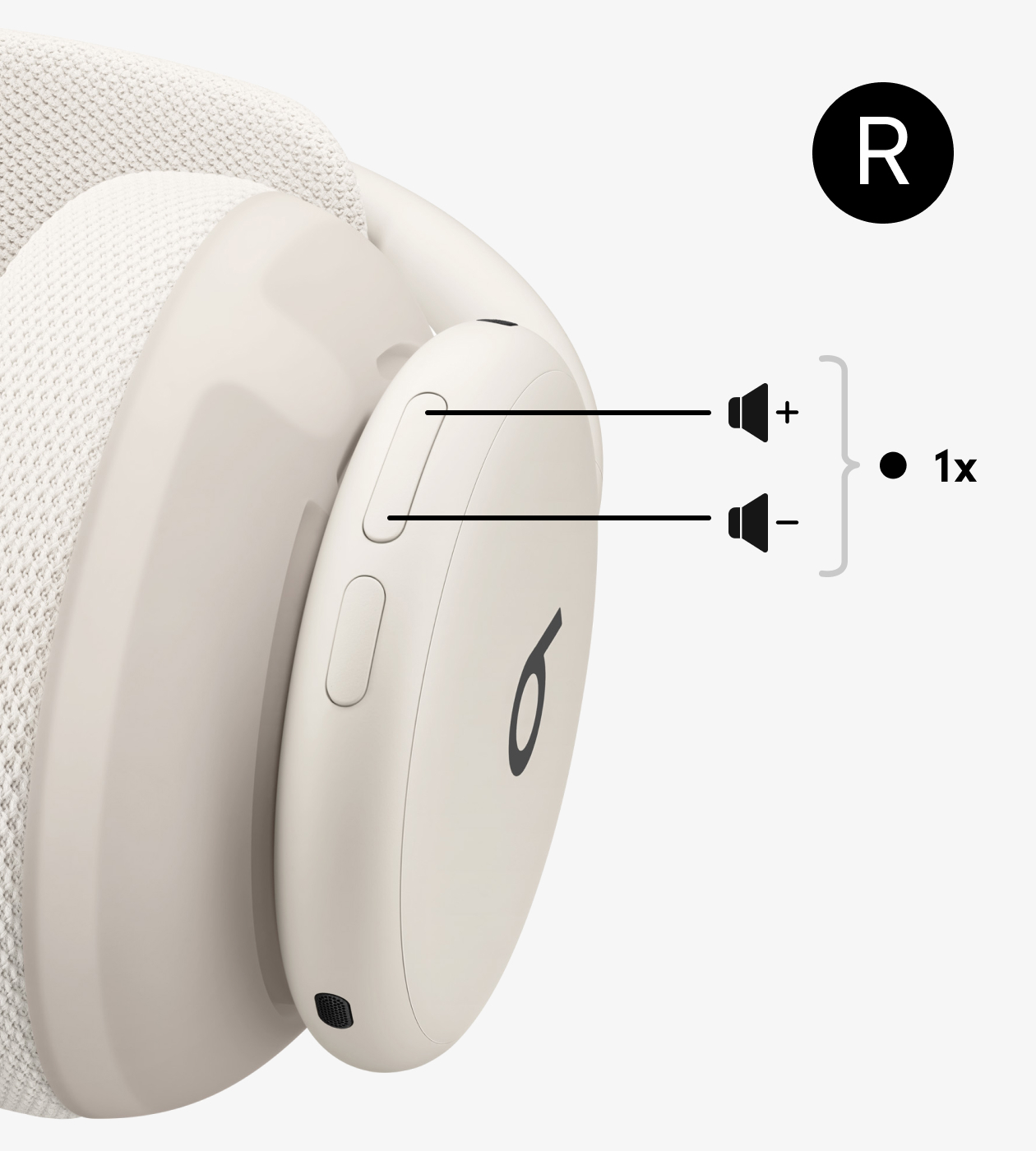
Volume Rocker
Control volume up or down.
Volume Rocker
Control volume up or down.
Volume Rocker
Control volume up or down.
How to Pair
Swap Your Cushions
Frequently Asked Questions
Featured Resources
-
Beats User Guide
Discover useful tips and information to enhance your listening experience.
-
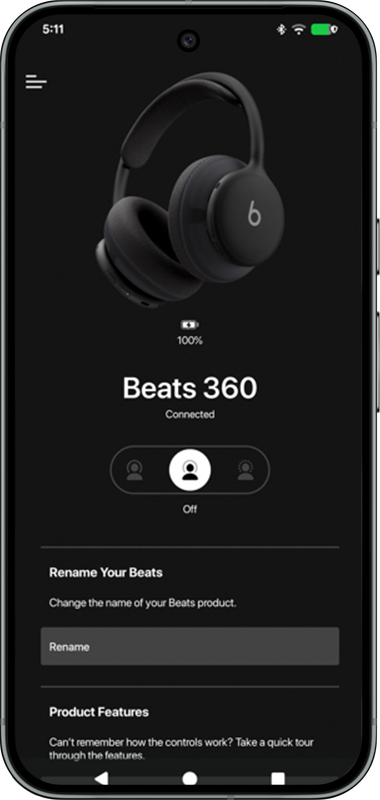
Beats App for Android
Download the Beats app to unlock additional features.
-
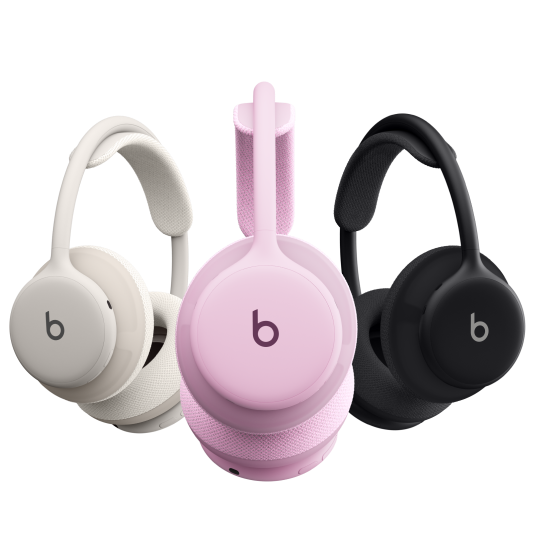
Find Your Serial Number
Learn where to look for the serial number on your Beats.
-
Service and Repair
Learn about your options for Apple-certified service and repair.

AppleCare+ for Headphones
Enjoy peace of mind when you buy AppleCare+ for Headphones.
AppleCare+ for Headphones
Enjoy peace of mind when you buy AppleCare+ for Headphones.
AppleCare+ for Headphones
Enjoy peace of mind when you buy AppleCare+ for Headphones.