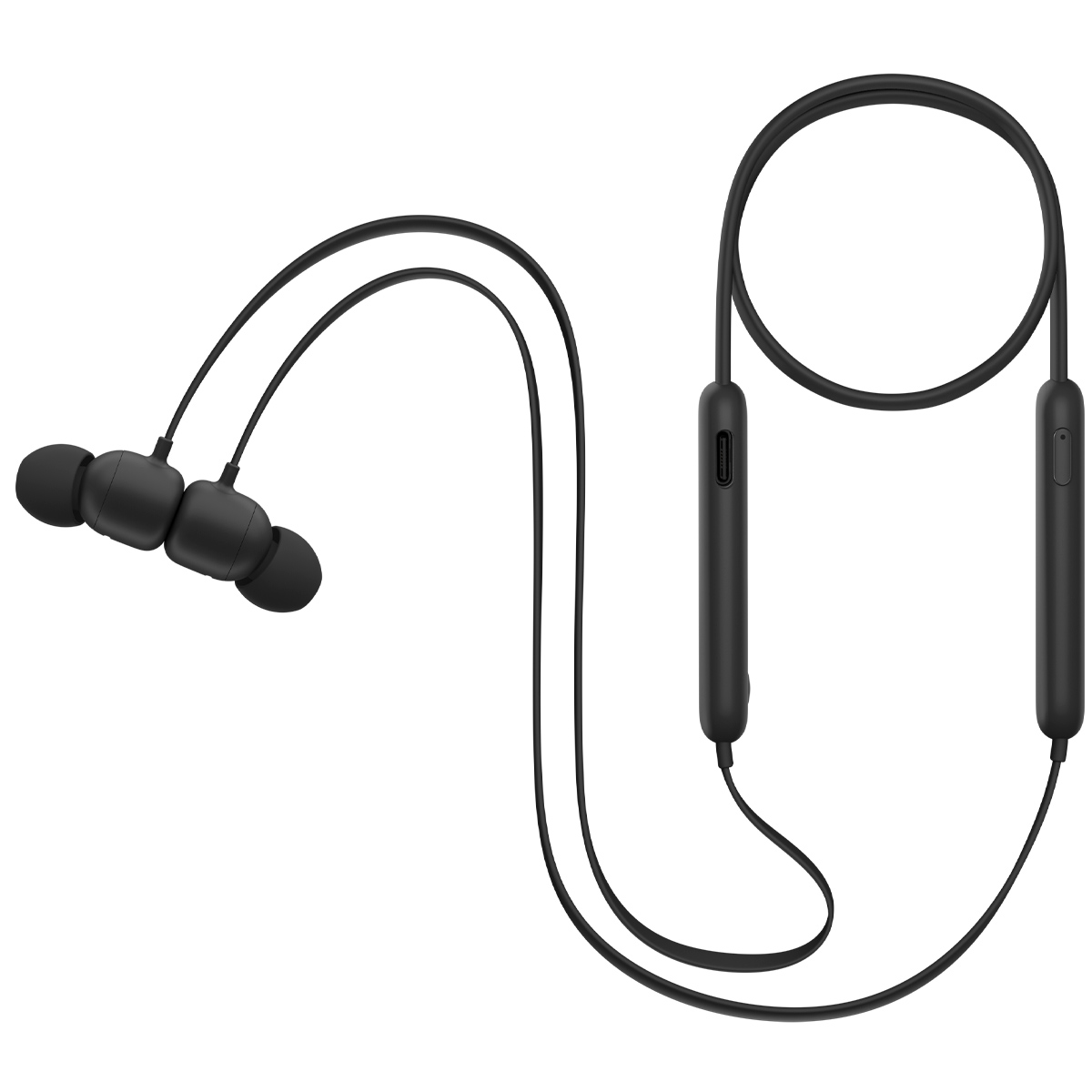
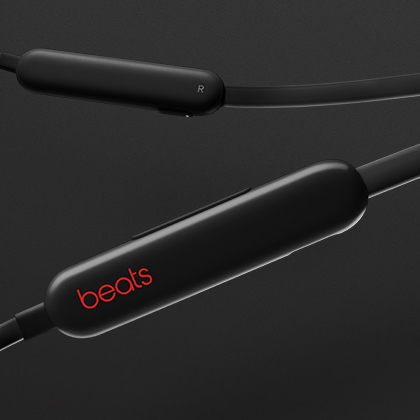
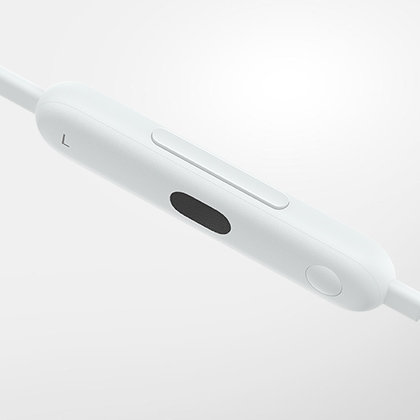
Beats Flex is ready to pair right out of the box. For iOS devices, simply press the power button on the right control module for 1 second, then hold near your unlocked device and follow the onscreen instructions. The latest version of iOS is required.
Beats Flex is ready to pair right out of the box. For iOS devices, simply press the power button on the right control module for 1 second, then hold near your unlocked device and follow the onscreen instructions. The latest version of iOS is required.
Beats Flex is ready to pair right out of the box. For iOS devices, simply press the power button on the right control module for 1 second, then hold near your unlocked device and follow the onscreen instructions. The latest version of iOS is required.
For easy one-touch pairing, download the Beats app from your app store or directly from beatsbydre.com/mobile-apps. You can also use the Bluetooth® menu in your device.
For easy one-touch pairing, download the Beats app from your app store or directly from beatsbydre.com/mobile-apps. You can also use the Bluetooth® menu in your device.
For easy one-touch pairing, download the Beats app from your app store or directly from beatsbydre.com/mobile-apps. You can also use the Bluetooth® menu in your device.
To put Beats Flex back into pairing mode, hold the power button on the right control module for 3 seconds until the LED begins to blink. Then select "Beats Flex" in the Bluetooth® menu on your device.
To put Beats Flex back into pairing mode, hold the power button on the right control module for 3 seconds until the LED begins to blink. Then select "Beats Flex" in the Bluetooth® menu on your device.
To put Beats Flex back into pairing mode, hold the power button on the right control module for 3 seconds until the LED begins to blink. Then select "Beats Flex" in the Bluetooth® menu on your device.
Beats Flex can be charged using any standard USB-C cable. One is included with Beats Flex. Please note that a power adapter is not included with Beats Flex.
Beats Flex can be charged using any standard USB-C cable. One is included with Beats Flex. Please note that a power adapter is not included with Beats Flex.
Beats Flex can be charged using any standard USB-C cable. One is included with Beats Flex. Please note that a power adapter is not included with Beats Flex.
Beats Flex is powered on or off by pressing the button on the right control module for 1 second.
Beats Flex is powered on or off by pressing the button on the right control module for 1 second.
Beats Flex is powered on or off by pressing the button on the right control module for 1 second.
Beats Flex features onboard controls on the left control module. Use the longer 2-way rocker button to adjust the volume up or down. Use the smaller multi-function button to control playback — one press to play or pause, two presses to skip forward, or three presses to skip backward.
Beats Flex features onboard controls on the left control module. Use the longer 2-way rocker button to adjust the volume up or down. Use the smaller multi-function button to control playback — one press to play or pause, two presses to skip forward, or three presses to skip backward.
Beats Flex features onboard controls on the left control module. Use the longer 2-way rocker button to adjust the volume up or down. Use the smaller multi-function button to control playback — one press to play or pause, two presses to skip forward, or three presses to skip backward.
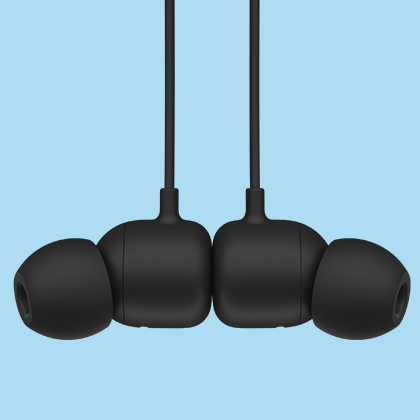
Simply attach the magnetic earbuds to automatically pause your content, and detach to resume playback.
Simply attach the magnetic earbuds to automatically pause your content, and detach to resume playback.
Simply attach the magnetic earbuds to automatically pause your content, and detach to resume playback.
Each earbud is equipped with a custom-designed microphone powered by an advanced noise-learning algorithm to help deliver exceptional call quality. Enjoy extended range with fewer dropouts thanks to industry-leading Class 1 Bluetooth® connectivity.
Each earbud is equipped with a custom-designed microphone powered by an advanced noise-learning algorithm to help deliver exceptional call quality. Enjoy extended range with fewer dropouts thanks to industry-leading Class 1 Bluetooth® connectivity.
Each earbud is equipped with a custom-designed microphone powered by an advanced noise-learning algorithm to help deliver exceptional call quality. Enjoy extended range with fewer dropouts thanks to industry-leading Class 1 Bluetooth® connectivity.
Hold down the multi-function button on the left control module to activate Siri or the default voice assistant on your device.
Hold down the multi-function button on the left control module to activate Siri or the default voice assistant on your device.
Hold down the multi-function button on the left control module to activate Siri or the default voice assistant on your device.
Beats Flex provides up to 12 hours of playback from a full charge.
Beats Flex provides up to 12 hours of playback from a full charge.
Beats Flex provides up to 12 hours of playback from a full charge.